HSE Hub
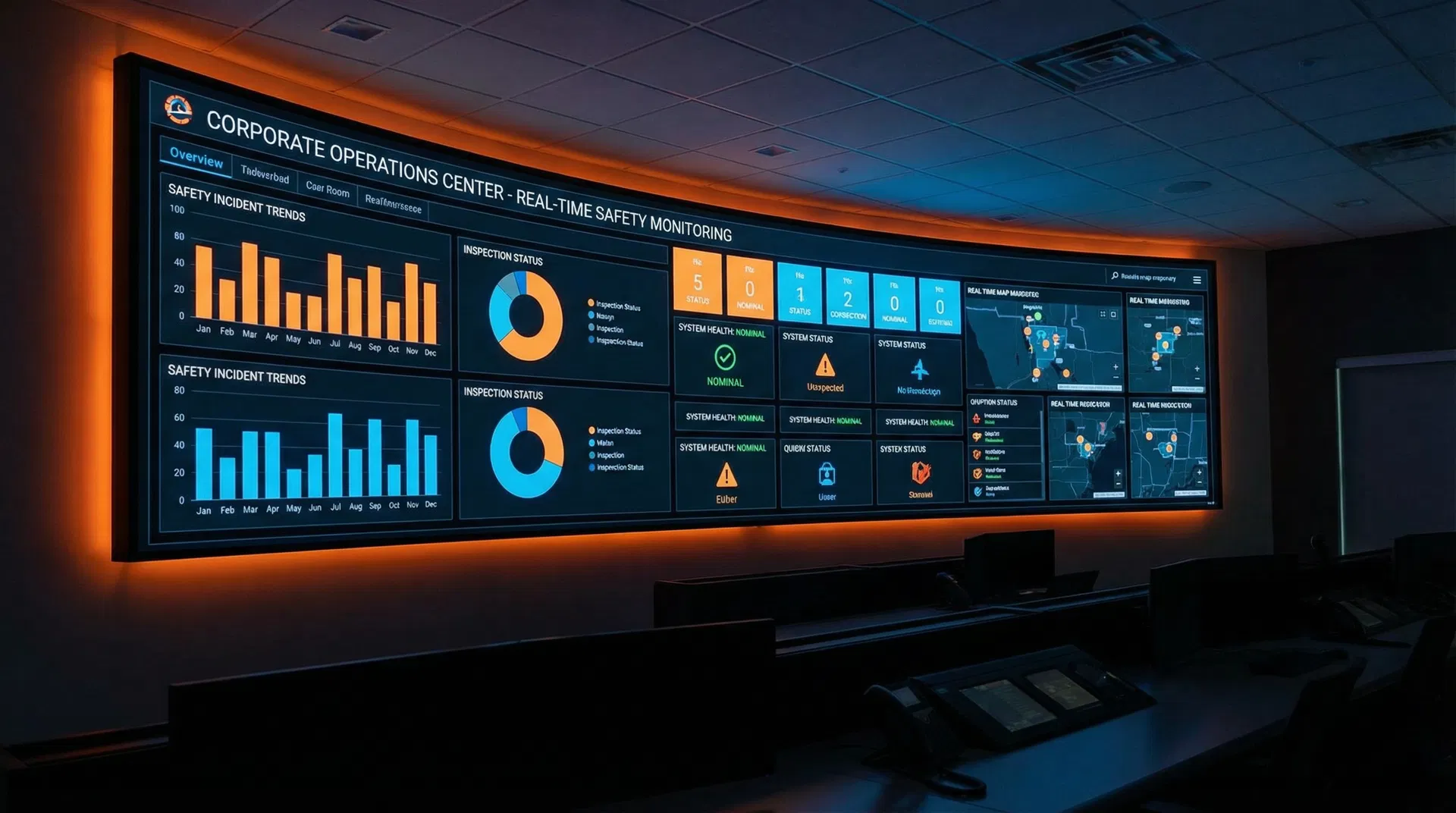
Central Command Dashboard
Your single pane of glass for construction safety management. Built by a seasoned HSE director with extensive experience on global-scale projects, the HSE Hub brings together inspections, corrective actions, engagement tracking, and AI-powered analysis into one integrated platform.

Core Capabilities
Four powerful modules working together to give you complete visibility and control over your construction HSE operations.
Site Inspections
Conduct comprehensive site inspections with customisable checklists. Capture photos, assign actions, and generate professional PDF reports — all from your mobile device in the field.

Corrective Actions
Track corrective actions from identification through to close-out. Automated notifications keep responsible parties informed, while dashboards provide real-time visibility on action status and escalation.

Engagement Tracking
Monitor HSE engagement across your workforce with weekly data collection from subcontractors. Track leading indicators including hours worked, toolbox talks, and safety observations.

AI Safety Review
Leverage Azure OpenAI to analyse your safety data and identify emerging hazard trends. The AI engine reviews inspection findings, incident patterns, and provides predictive insights for proactive risk management.

How It Works
Get up and running in three simple steps. Your data stays in your Microsoft 365 environment at all times.
Purchase & Download
Select your plan and complete payment via our secure checkout. You'll receive the managed solution (.zip) file and a comprehensive deployment guide via email.
Import to Your Tenant
Import the managed solution into your Microsoft 365 environment. Configure connection references to your SharePoint and set environment variables.
Start Managing Safety
Your team can immediately begin conducting inspections, tracking actions, and leveraging AI-powered safety insights.
Pricing
Choose the plan that fits your organisation. All plans include the full HSE Hub with inspections, corrective actions, engagement tracking, and AI review.
Note: Users require Microsoft Power Apps Premium licensing ($20/user/month) from Microsoft separately.
Starter
For small teams getting started with digital HSE management.
$4,999/year (save 17%)
Up to 25 users
Professional
For growing organisations with multiple projects and teams.
$7,999/year (save 17%)
Up to 50 users
Business
For large teams managing multiple projects across regions.
$14,999/year (save 17%)
Up to 100 users
Need more than 100 users or require a bespoke solution?
Contact Us for Enterprise PricingLooking for the Full Platform?
Our complete suite includes Take 5 Safety, Risk Assessment, Incident Investigation, Equipment QR Tracker, and more. Contact us for a tailored package and pricing.
Contact for Full Platform Pricing