
SDS HSE suite/Weekly HSE Data
Weekly HSE data: the numbers clients ask for first
Weekly figures collected by e-mail and spreadsheet are slow to combine and easy to get wrong.
What the app does
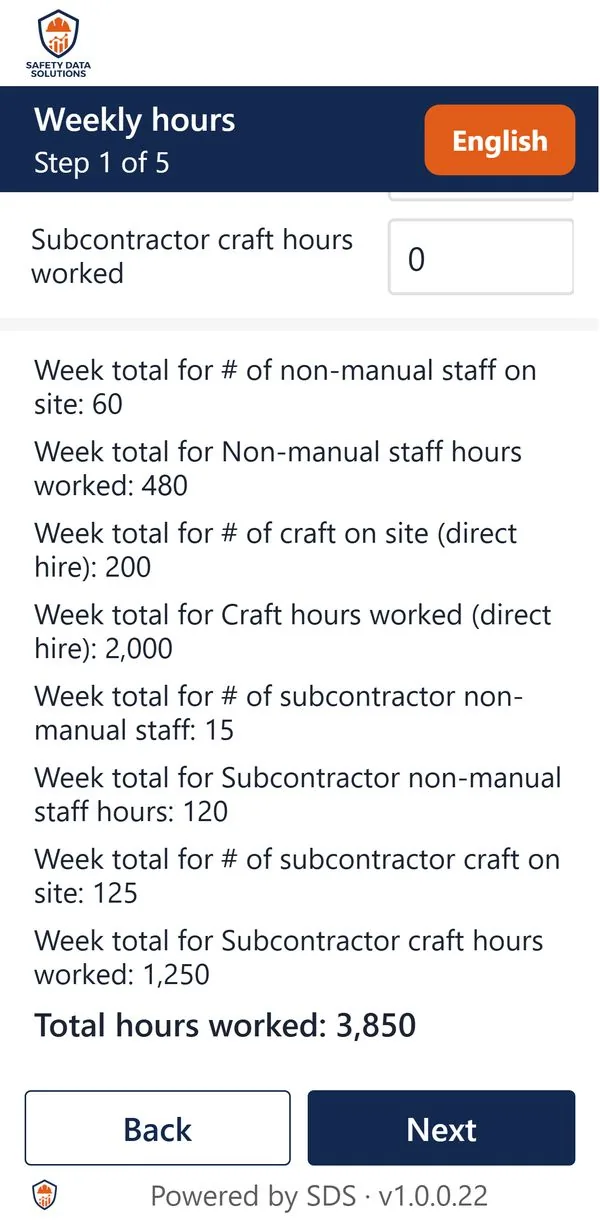
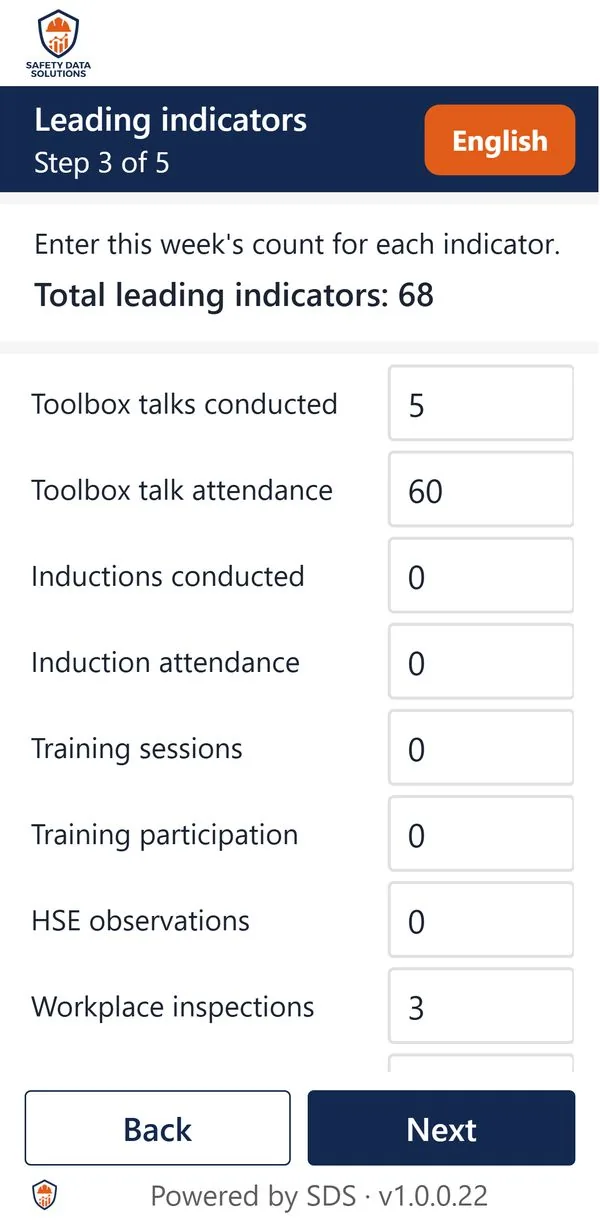
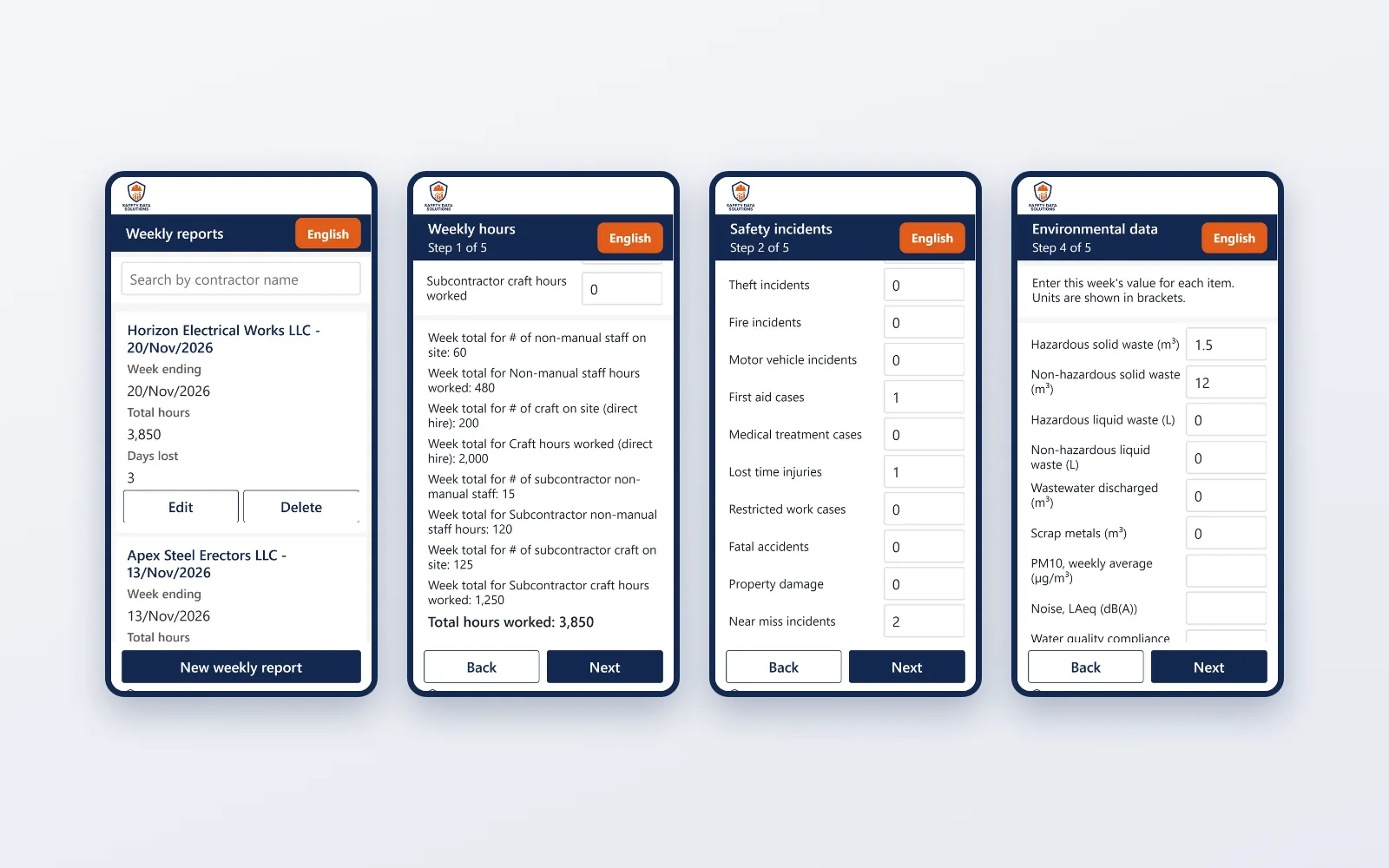
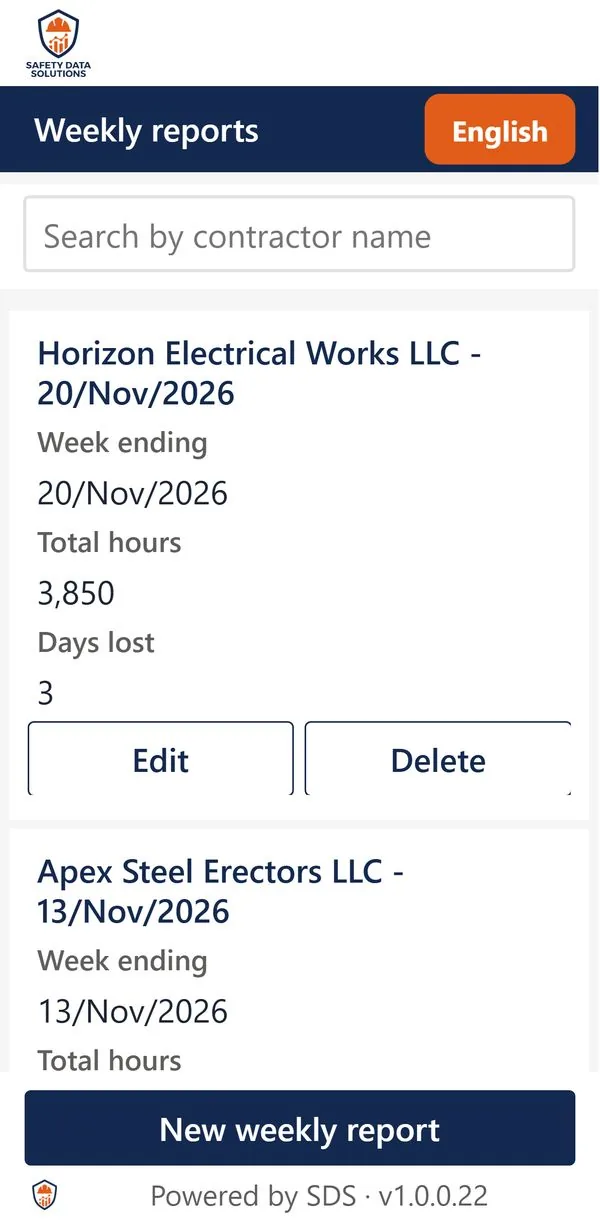
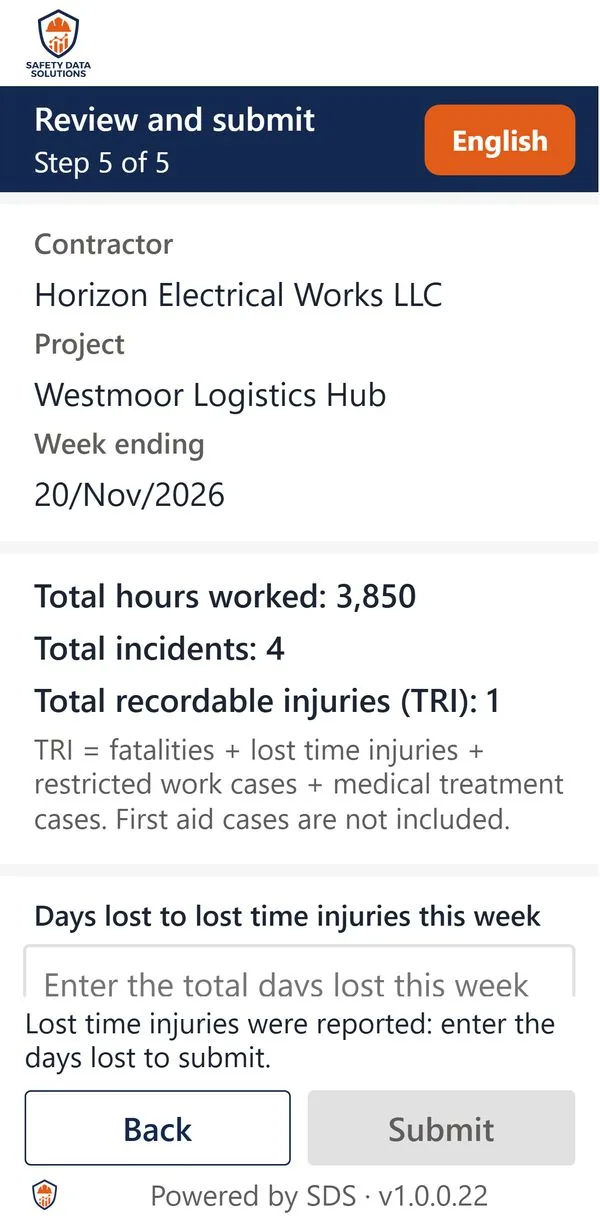
- Weekly returns: hours by workforce category.
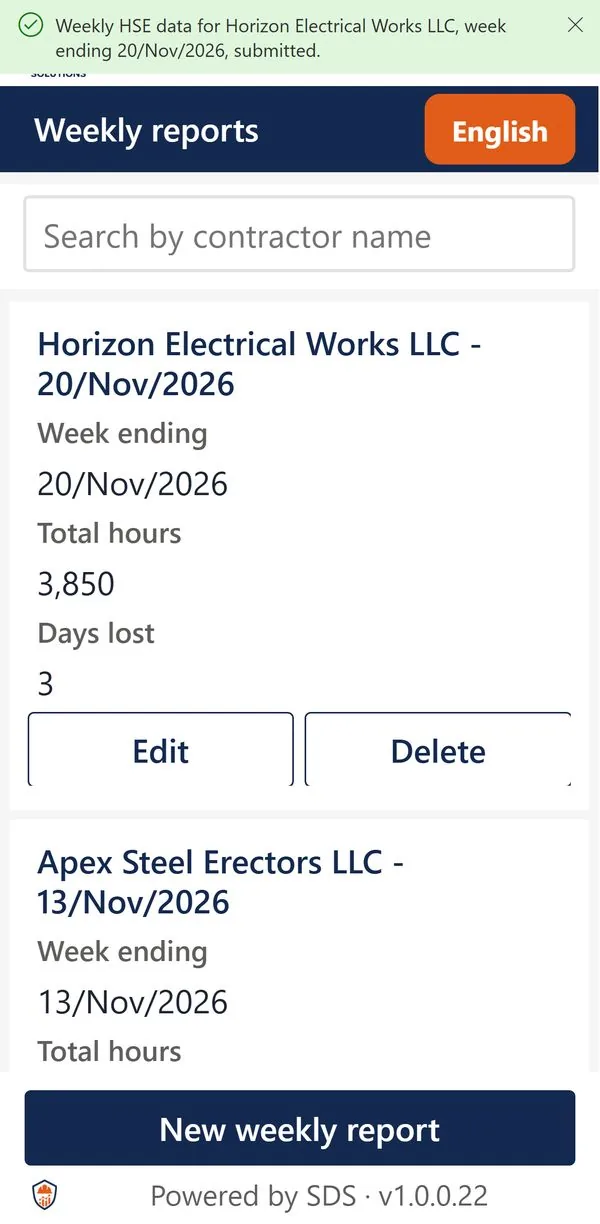
- Incidents, leading indicators and environmental data.
- A weekly register that feeds ESG reporting automatically.
See it
Screens and documents from demonstration data.
Questions
What does it collect?
Hours by workforce category, incidents, leading indicators and environmental data.
Where does the data go?
It feeds the weekly register and ESG reporting.
Where is the data stored?
In your own Microsoft 365. You keep your data.
See it working in 15 minutes
We will show you both suites on a demo project, on the phone and on the screen, and price them for your projects.
Runs inside your own Microsoft 365. You keep your data. No additional Microsoft licensing for any app user, and no per-user fees.
No per-user fees: every user and every site is included. Ask us for a price for your projects.
Dashboards are Power BI reports. Viewing them requires a Power BI Pro (or Premium Per User) licence for each viewer, or publishing the reports to a Power BI Premium / Fabric capacity (F64 or above), which lets users without a Pro licence view them. App users need no additional Microsoft licensing; this applies only to people who view the dashboards.