
SDS HSE suite/Permit to Work
Permit to Work: control high-risk work from issue to close-out
High-risk work needs a clear record of who issued, who accepted and when it closed.
What the app does
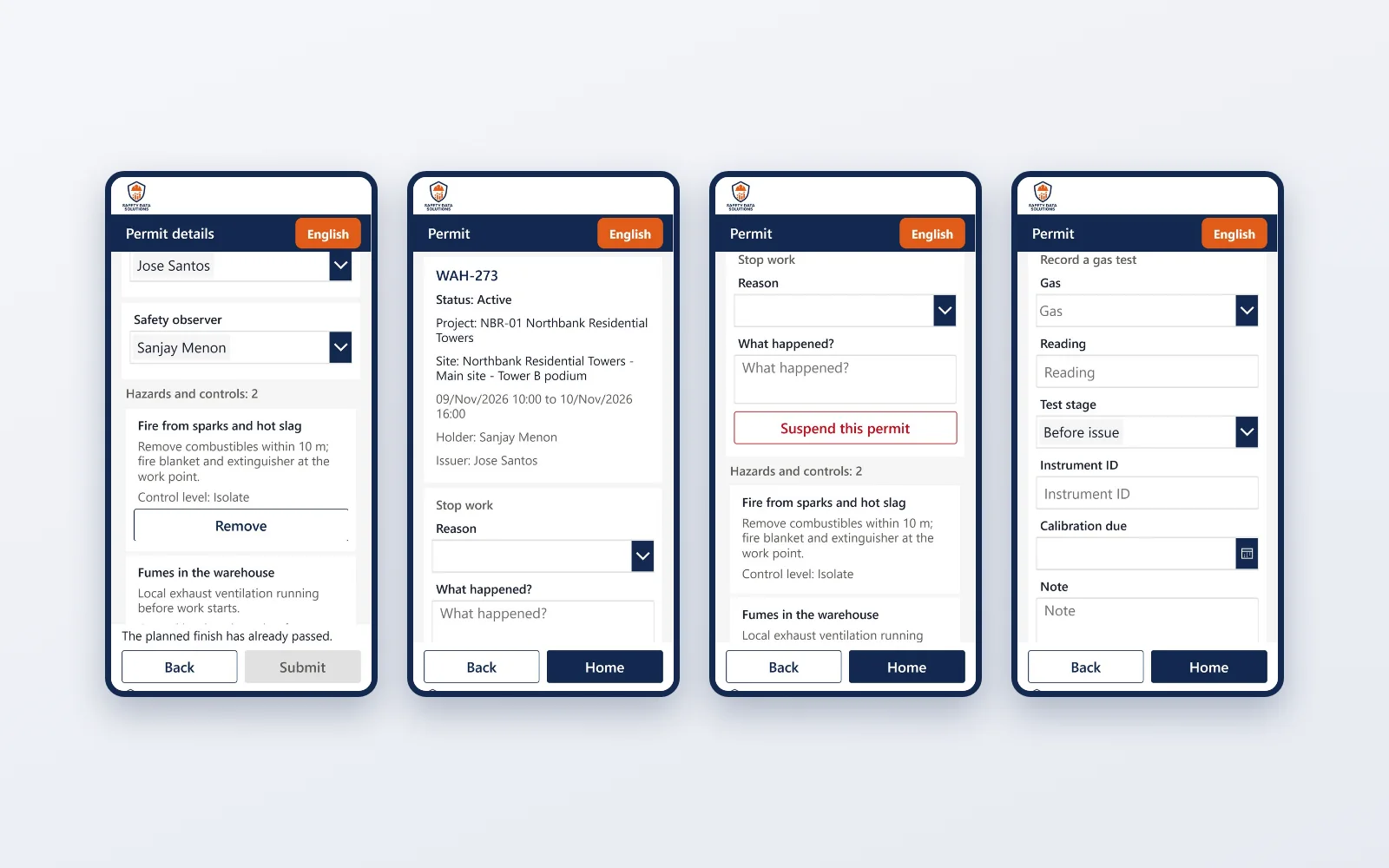
- Permit issue and close-out against your own permit types.
- Trigger-based checklists for the work being controlled.
- Site and location routing with a complete permit history.
- A complete audit record of every permit raised, issued and closed.
- With Construction Controls, a permit can depend on clearances recorded there. It cannot be issued unless each clearance is issued and valid for the permit's planned period, and it is suspended automatically if a clearance ends.
See it
Screens and documents from demonstration data.
Questions
Can we use our own permit types?
Yes. Permits are issued and closed against your own permit types.
What record is kept?
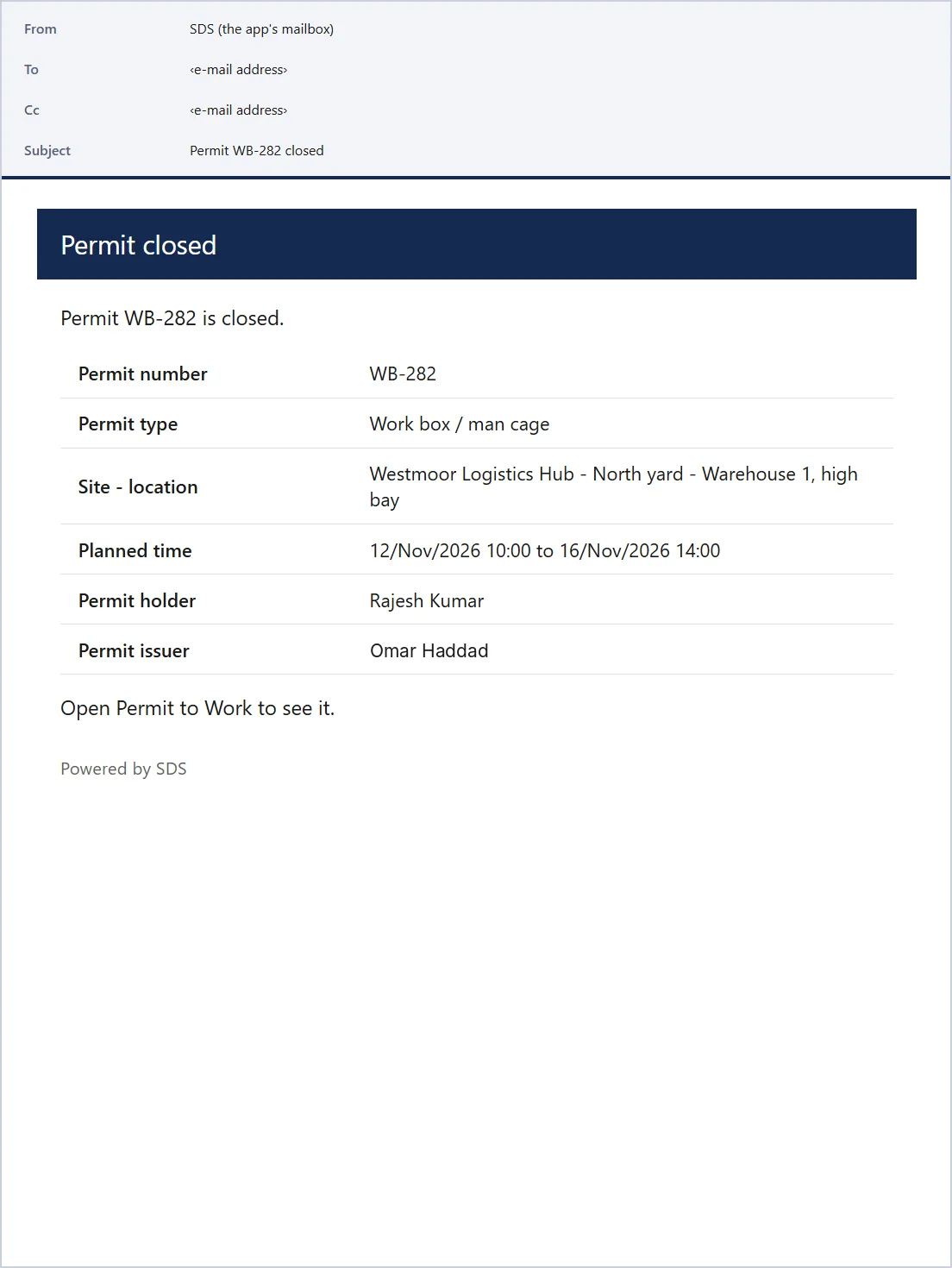
A complete audit record of every permit raised, issued and closed.
Is there an example?
Yes, a closed permit record from demonstration data is shown on the page.
Does it link to Construction Controls?
Yes. A permit can depend on Construction Controls clearances, and it suspends itself if one ends.
See it working in 15 minutes
We will show you both suites on a demo project, on the phone and on the screen, and price them for your projects.
Runs inside your own Microsoft 365. You keep your data. No additional Microsoft licensing for any app user, and no per-user fees.
No per-user fees: every user and every site is included. Ask us for a price for your projects.
Dashboards are Power BI reports. Viewing them requires a Power BI Pro (or Premium Per User) licence for each viewer, or publishing the reports to a Power BI Premium / Fabric capacity (F64 or above), which lets users without a Pro licence view them. App users need no additional Microsoft licensing; this applies only to people who view the dashboards.