
SDS Construction Controls/Temporary Electrical
Temporary electrical: every supply known and controlled
A defect upstream is hard to trace to the loads it affects when the supply is not recorded.
What the app does
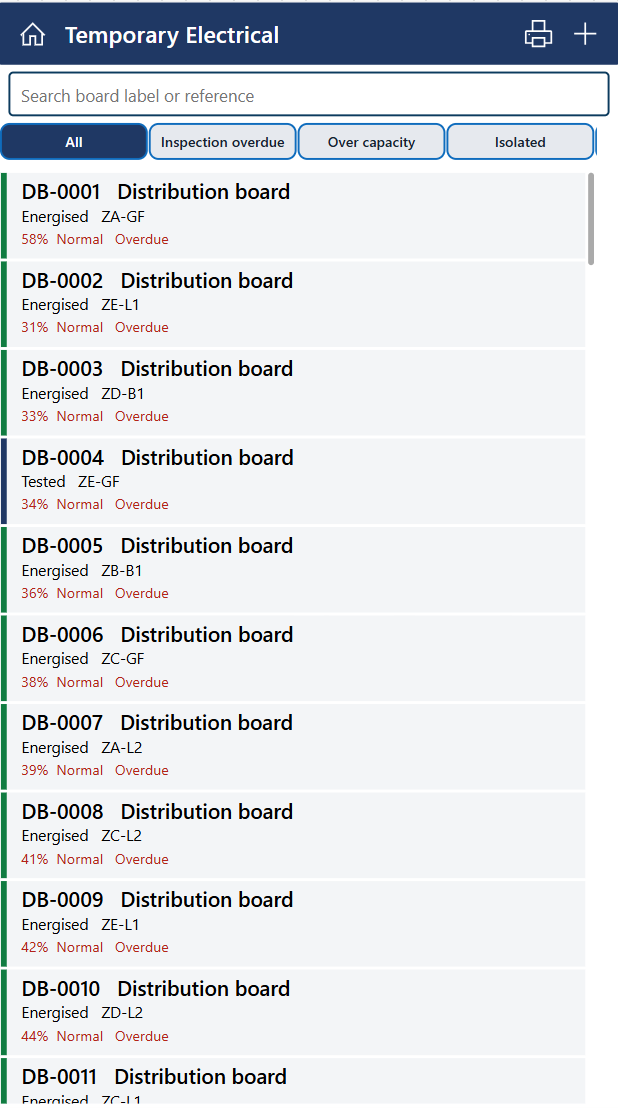
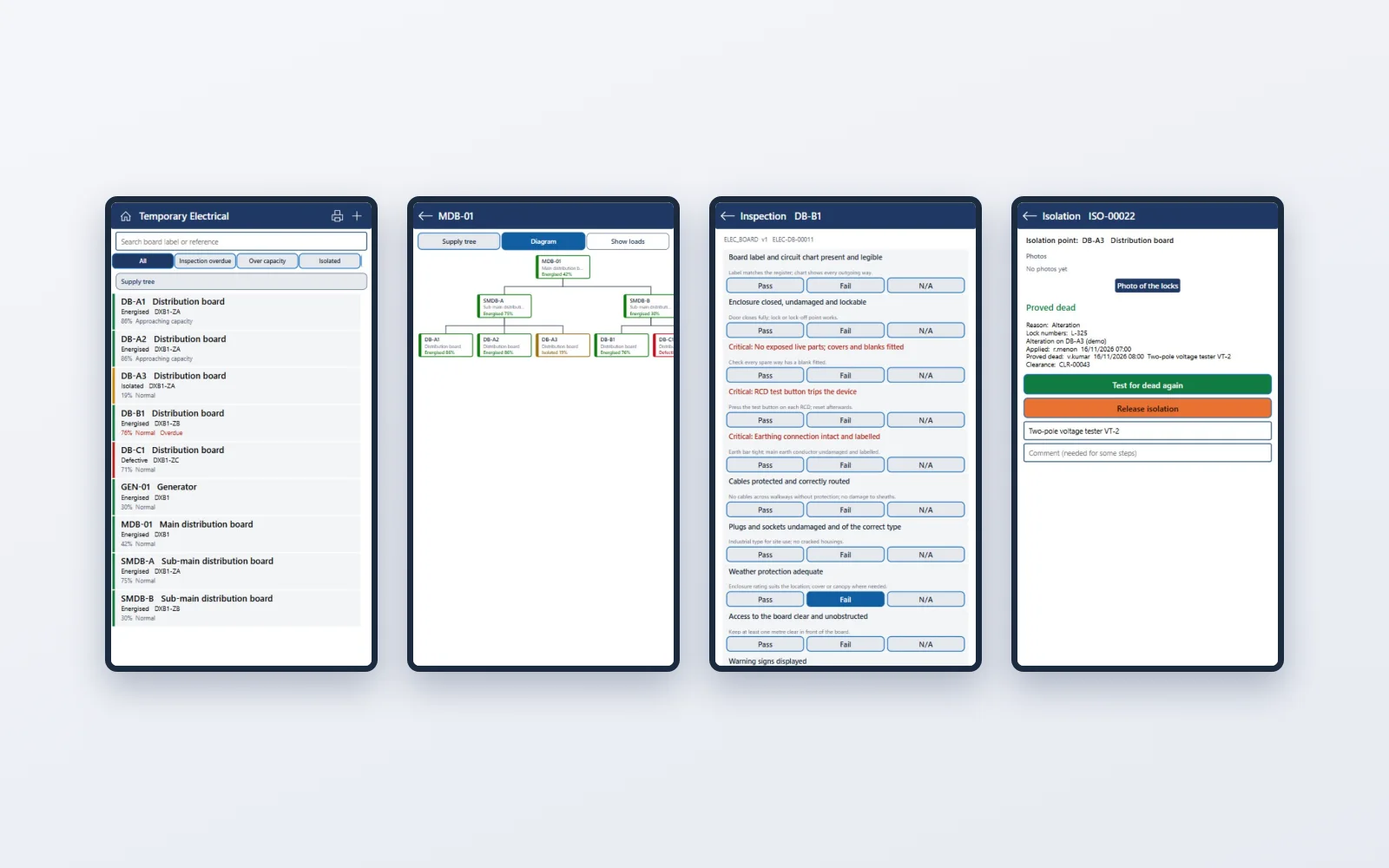
- One register of every source, board and load, each knowing what supplies it, so a defect upstream flags every load below it.
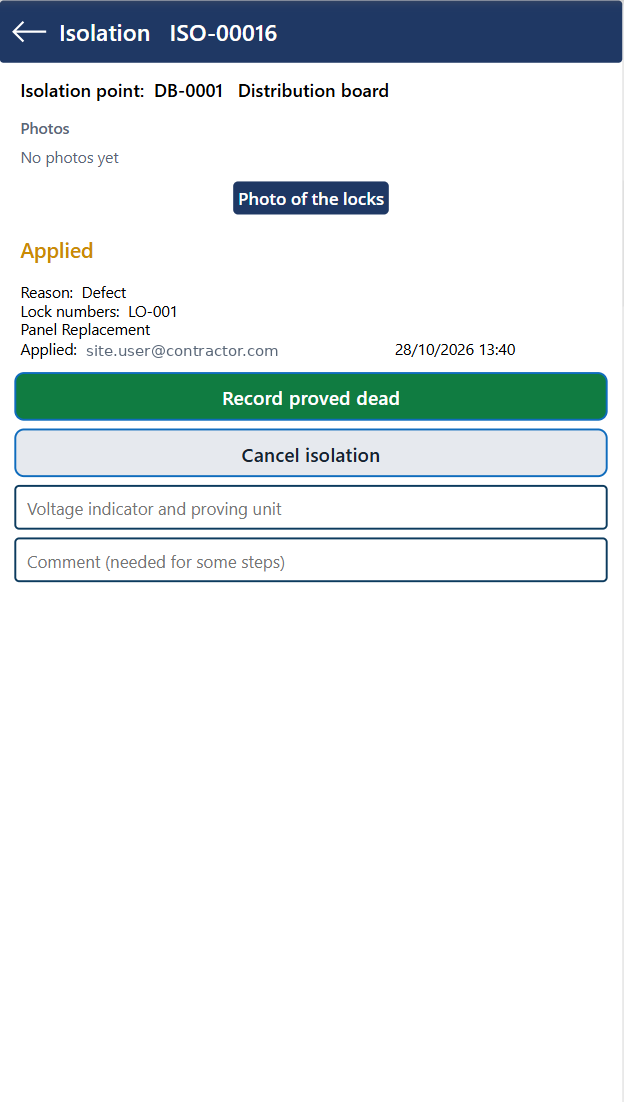
- Isolations follow the full process: reason, lock numbers, proved dead with a named voltage indicator, then release, each step by name and time.
- Energising is authorised by a second person.
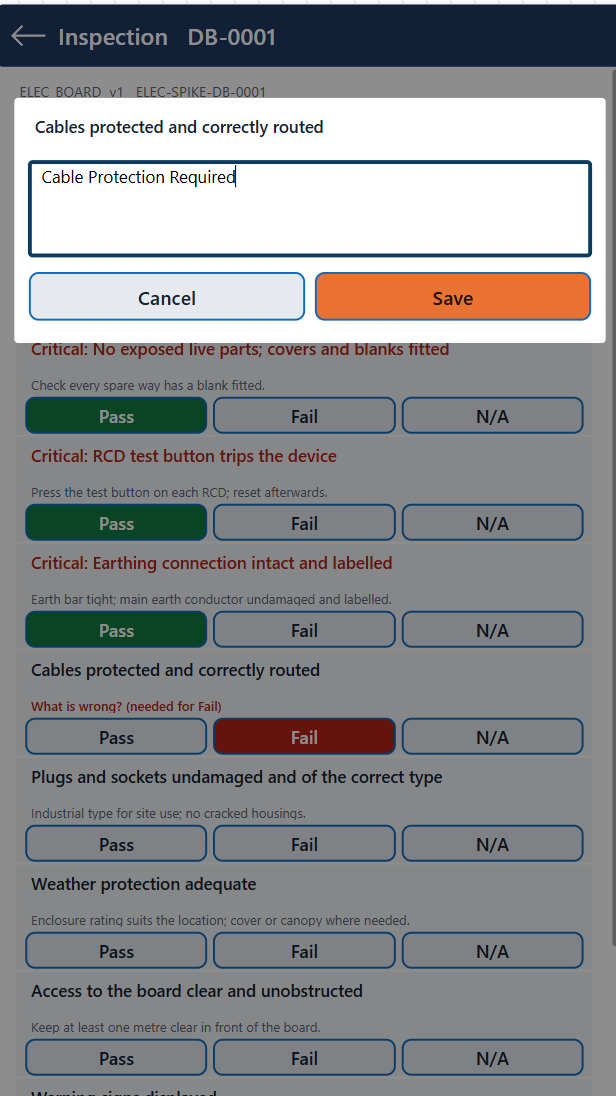
- Boards are inspected on schedule against their checklist; a failed item or an overdue inspection raises an action.
- Connected load is shown against the rating.
See it
Screens and documents from demonstration data.
Questions
Who authorises energising?
A second person.
What raises an action?
A failed checklist item or an overdue inspection.
What does the register show?
Every source, board and load, and what supplies each.
See it working in 15 minutes
We will show you both suites on a demo project, on the phone and on the screen, and price them for your projects.
Runs inside your own Microsoft 365. You keep your data. No additional Microsoft licensing for any app user, and no per-user fees.
No per-user fees: every user and every site is included. Ask us for a price for your projects.
Dashboards are Power BI reports. Viewing them requires a Power BI Pro (or Premium Per User) licence for each viewer, or publishing the reports to a Power BI Premium / Fabric capacity (F64 or above), which lets users without a Pro licence view them. App users need no additional Microsoft licensing; this applies only to people who view the dashboards.