SDS Construction Controls/The Hub
The Hub: one place to start
Controls run in separate registers, so what needs attention is not visible in one place.
What the app does
- Sign in once and pick the project.
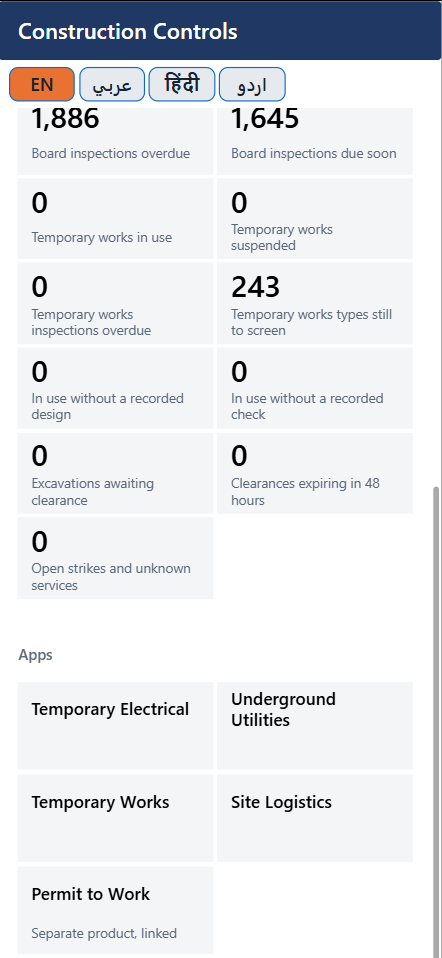
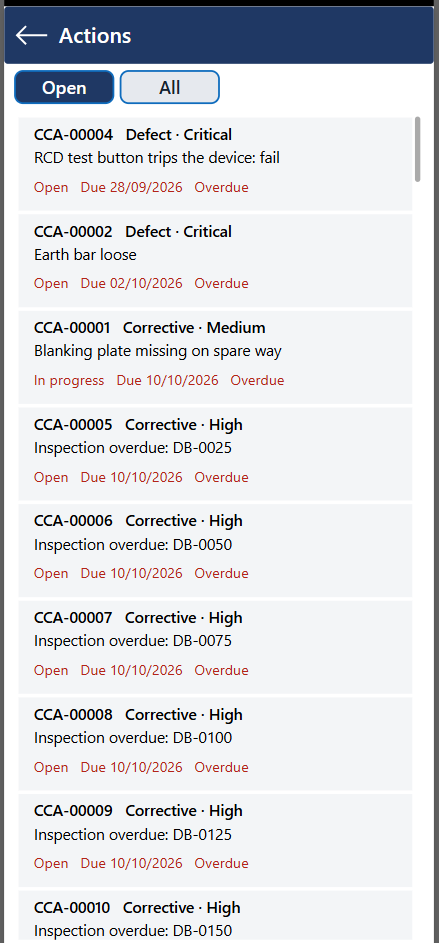
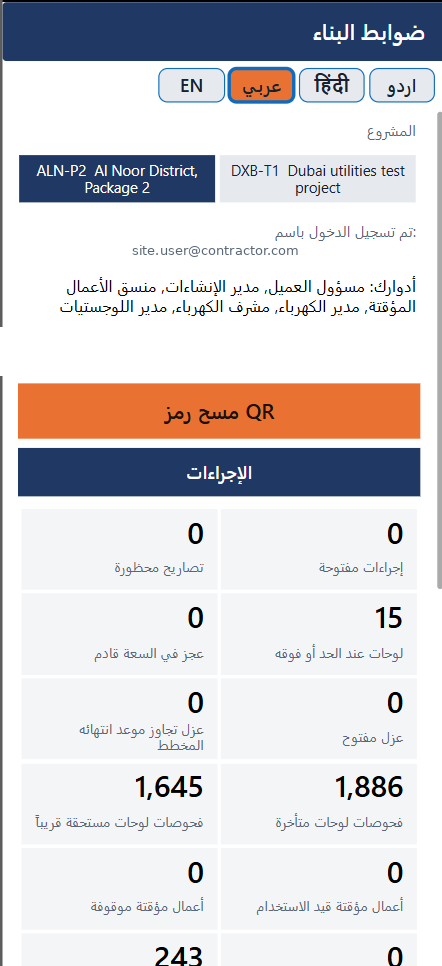
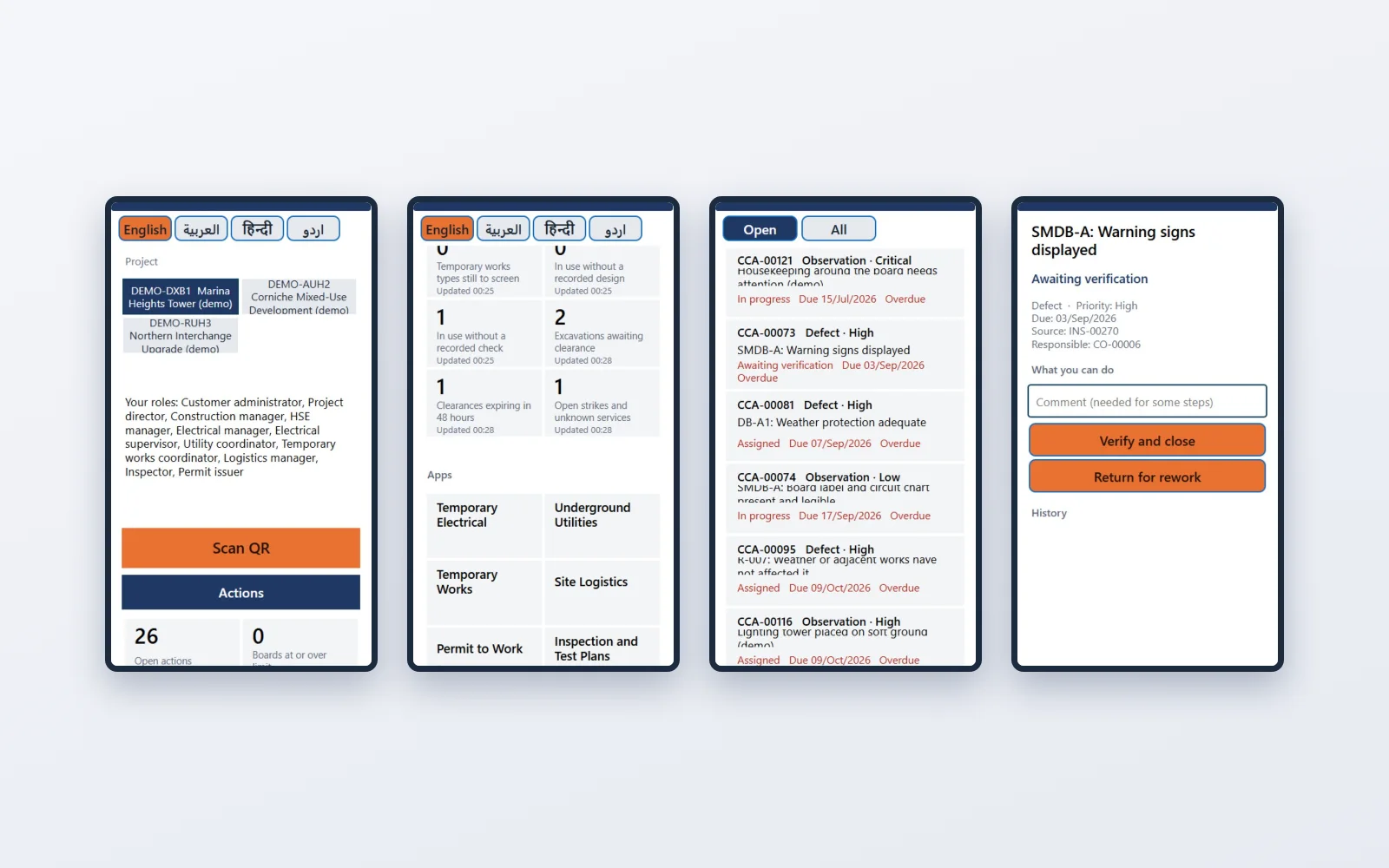
- See what needs attention across all five modules: inspections overdue, works suspended, excavations awaiting clearance, actions open.
- Scan a QR label on site to open the record.
- Every screen works in English, Arabic, Hindi and Urdu, switched with one tap.
See it
Screens and documents from demonstration data.
Questions
Which modules does it cover?
All five: Underground Utilities, Temporary Works, Temporary Electrical, Site Logistics and ITPs.
Which languages?
English, Arabic, Hindi and Urdu. Arabic and Urdu read right to left.
Where is the record kept?
In your own Microsoft 365, in SharePoint, with who did what and when.
See it working in 15 minutes
We will show you both suites on a demo project, on the phone and on the screen, and price them for your projects.
Runs inside your own Microsoft 365. You keep your data. No additional Microsoft licensing for any app user, and no per-user fees.
No per-user fees: every user and every site is included. Ask us for a price for your projects.
Dashboards are Power BI reports. Viewing them requires a Power BI Pro (or Premium Per User) licence for each viewer, or publishing the reports to a Power BI Premium / Fabric capacity (F64 or above), which lets users without a Pro licence view them. App users need no additional Microsoft licensing; this applies only to people who view the dashboards.