
SDS Construction Controls/Underground Utilities
Underground utilities: know what is below before you dig
Digging without a recorded clearance puts crews and services at risk.
What the app does
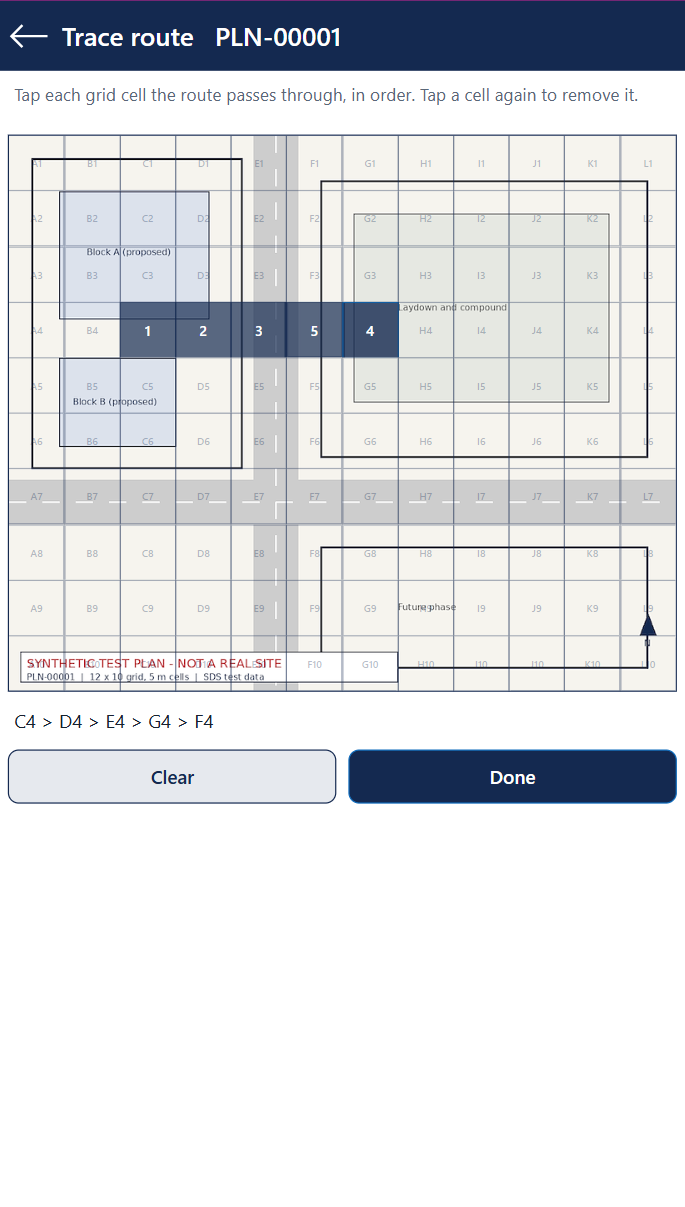
- Draws every known service on the site plan's grid.
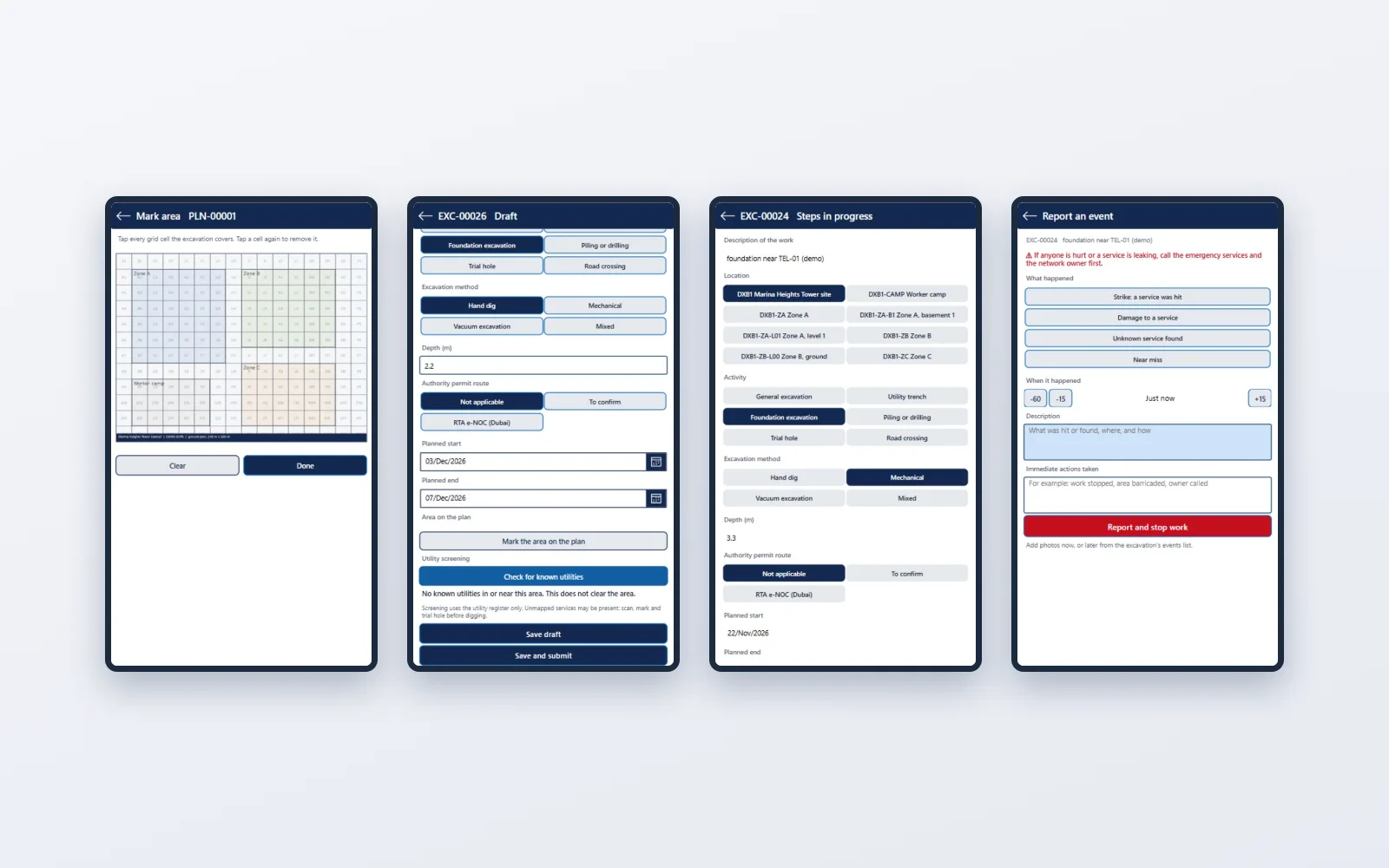
- Checks a new excavation against the services in its area.
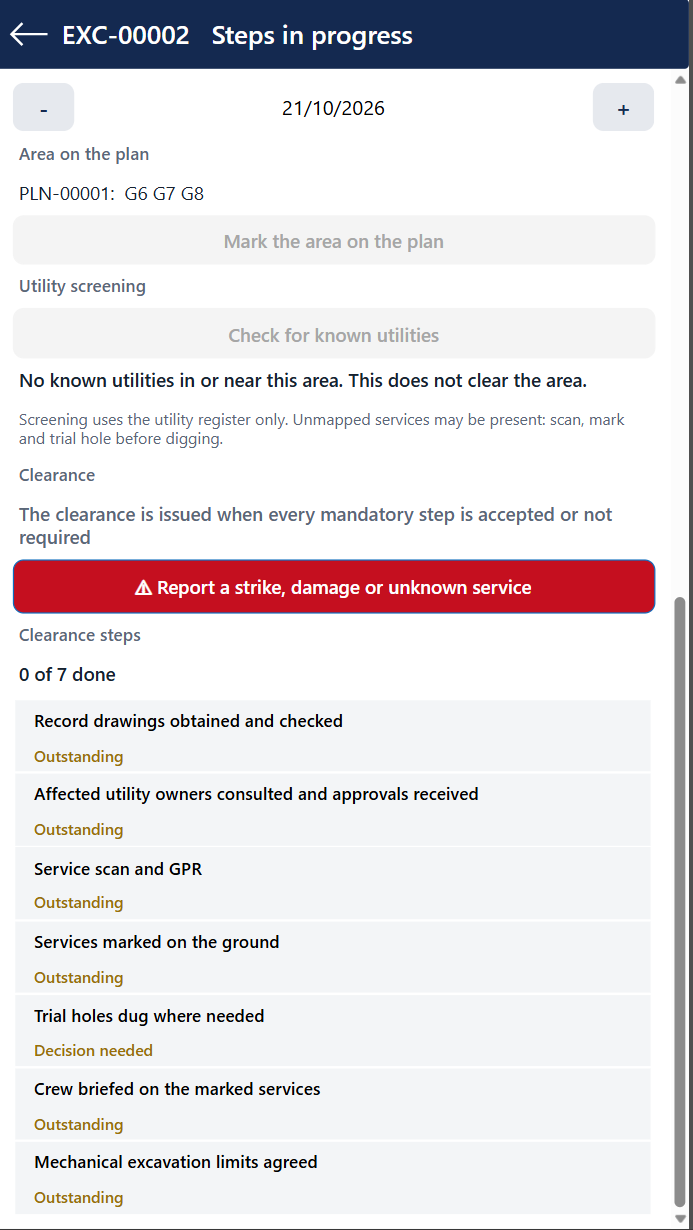
- Works through the clearance steps for the service owner, region and dig method: drawings checked, owners consulted, scan and mark, trial holes, crew briefing.
- Records each step with evidence, accepted by someone other than the person who recorded it.
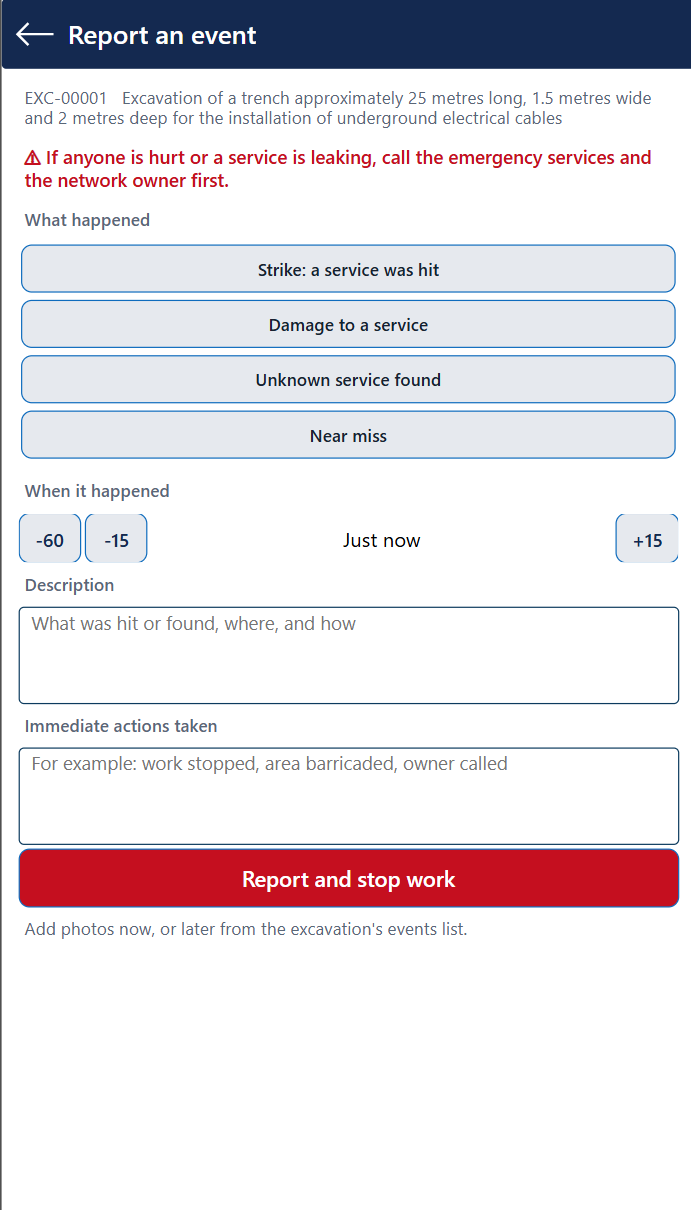
- A strike, damage or unknown service is reported from the phone and stops the work.
See it
Screens and documents from demonstration data.
Questions
Who accepts a clearance step?
Someone other than the person who recorded it.
What happens after a strike?
It is reported from the phone and the work stops.
What steps are covered?
Drawings checked, owners consulted, scan and mark, trial holes, crew briefing.
See it working in 15 minutes
We will show you both suites on a demo project, on the phone and on the screen, and price them for your projects.
Runs inside your own Microsoft 365. You keep your data. No additional Microsoft licensing for any app user, and no per-user fees.
No per-user fees: every user and every site is included. Ask us for a price for your projects.
Dashboards are Power BI reports. Viewing them requires a Power BI Pro (or Premium Per User) licence for each viewer, or publishing the reports to a Power BI Premium / Fabric capacity (F64 or above), which lets users without a Pro licence view them. App users need no additional Microsoft licensing; this applies only to people who view the dashboards.